maibank
 maib business app
 new internet banking - maib business
Dear maib business User,
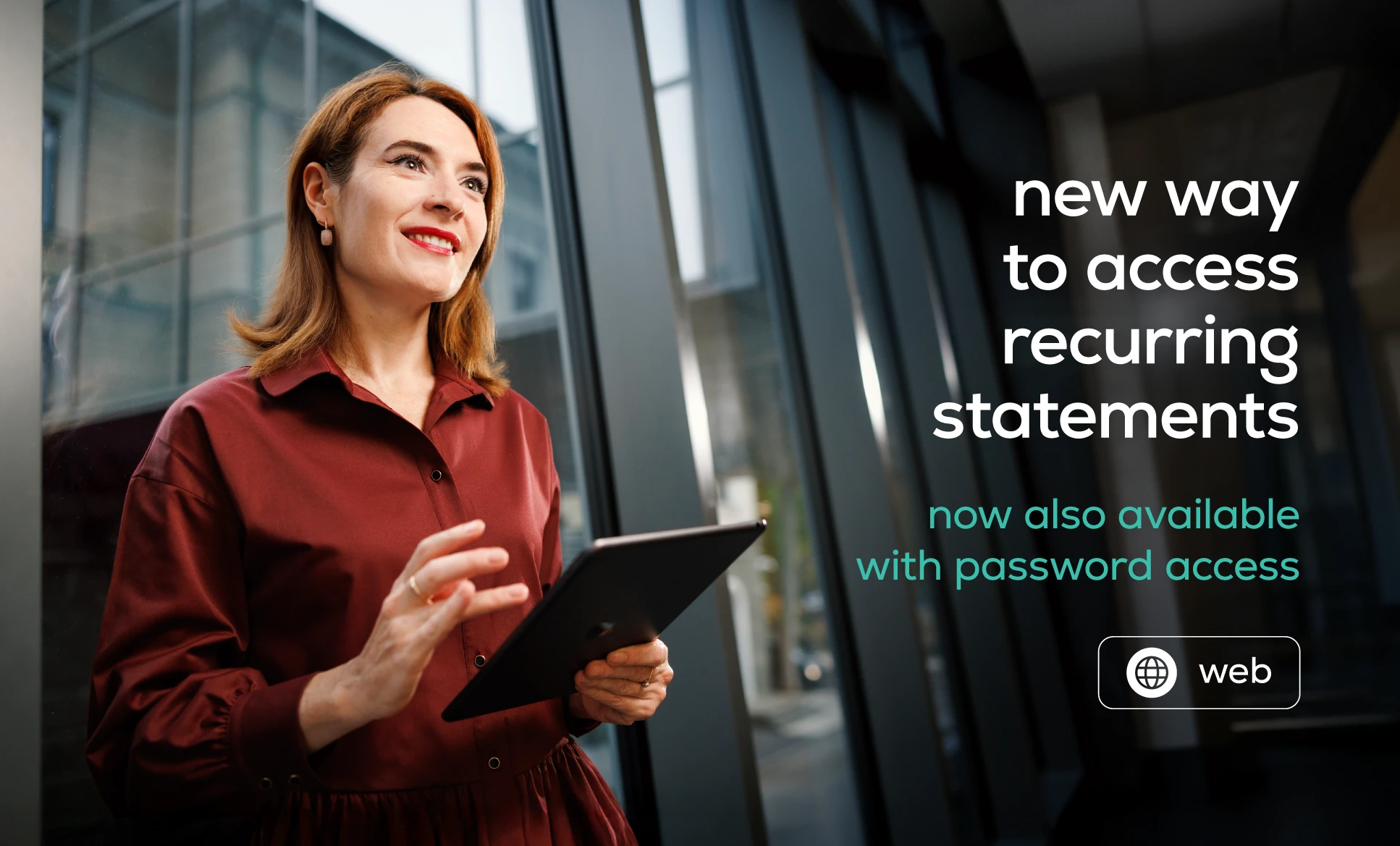
Starting from 22 October 2026, when creating a new recurring statement subscription, you can choose how the statements received by email will be accessed.
Two options are available:
- Shared password for statements — a new method available in the Regular Statements module;
- maib business authentication — a method available since the launch of the module.
Existing subscriptions will remain active and continue to operate according to their current configuration. If you would like to use a different access method, you will need to create a new subscription and select the desired option in the Statement access field.
How do you set up a shared password?
You can set it directly when creating a new subscription or in advance by following these steps:
Company Profile → Regular statements → Set shared statement password
If you forget your password, you can reset it at any time from the same section.
After the reset, all statements received by email, including those received previously, can be accessed using the new password.
The selected access method is displayed in the Statement access column of the subscription list and is also indicated in the email containing the statement.
For details on configuring and using the available options, please refer to the guide below:
These enhancements are the result of your feedback.
Thank you for being part of the development of maib business.
Kind regards,
The maib business Team